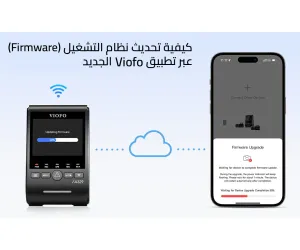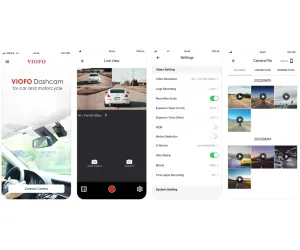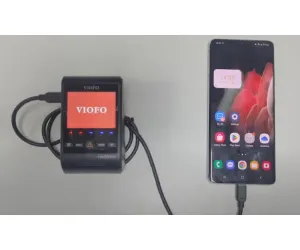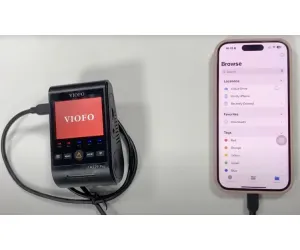

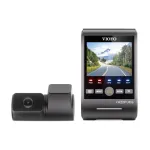
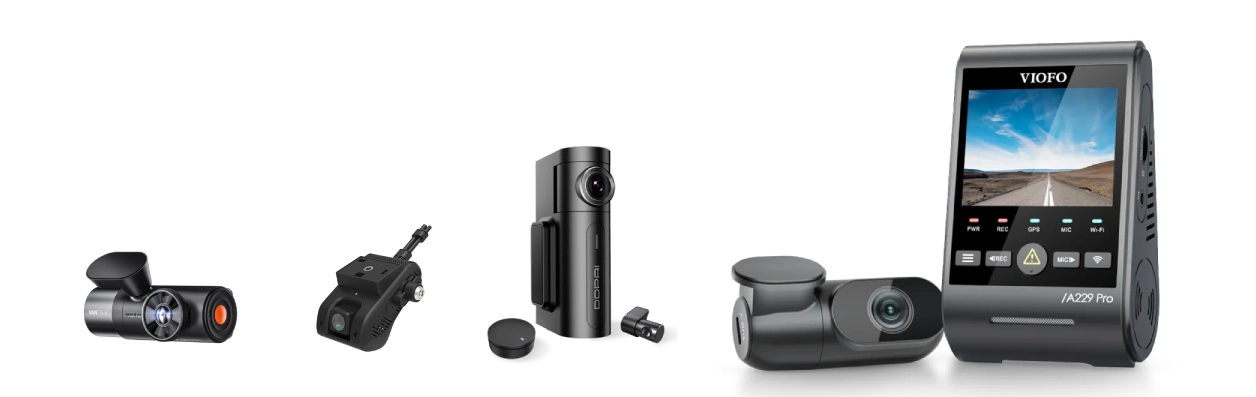

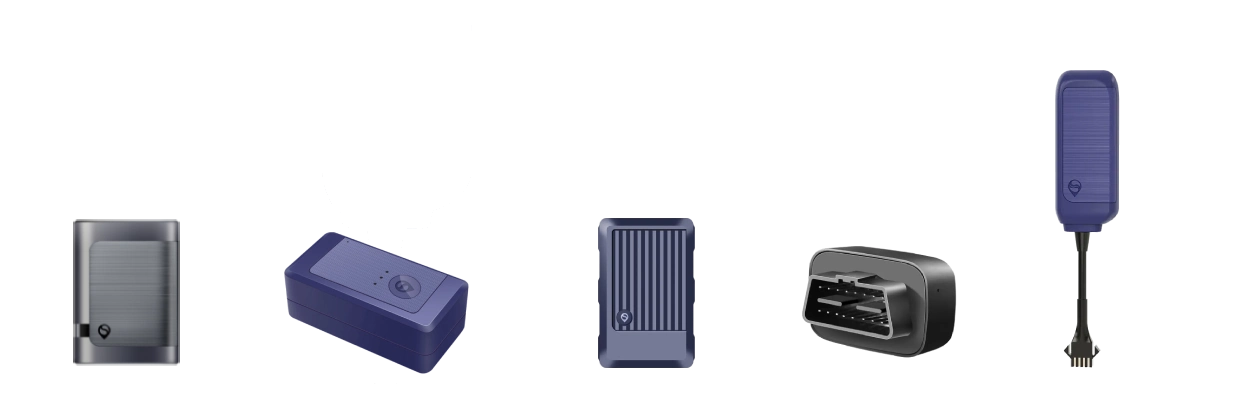



VIOFO has released a V2.0 firmware update for the A329S Series that brings a significant set of new features and enhancements designed to improve user experience, performance, and usability. The update includes upgrades for parking mode behavior, advanced hardware controls, smarter notifications, and better storage handling — all aimed at making your dash camera more intuitive and reliable.
1. Improved Low Power Impact Detection & Hybrid Parking Mode
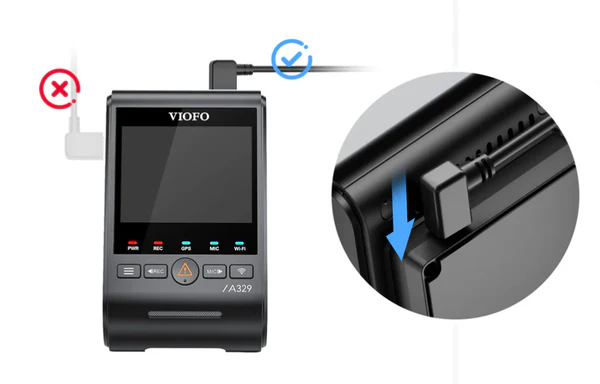
One of the core improvements in the V2.0 firmware is the enhanced Low Power Impact Detection and Hybrid Parking Mode settings. The options are now displayed consistently regardless of your power source. Users can choose either mode more reliably whether the dash cam is connected via normal car power or hardwire cable.
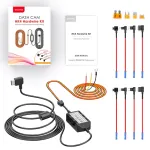
When enabling these parking modes, the dash cam will prompt users to use the appropriate hardwire cable (HK4 or HK6) for optimal power support, ensuring settings are applied correctly.
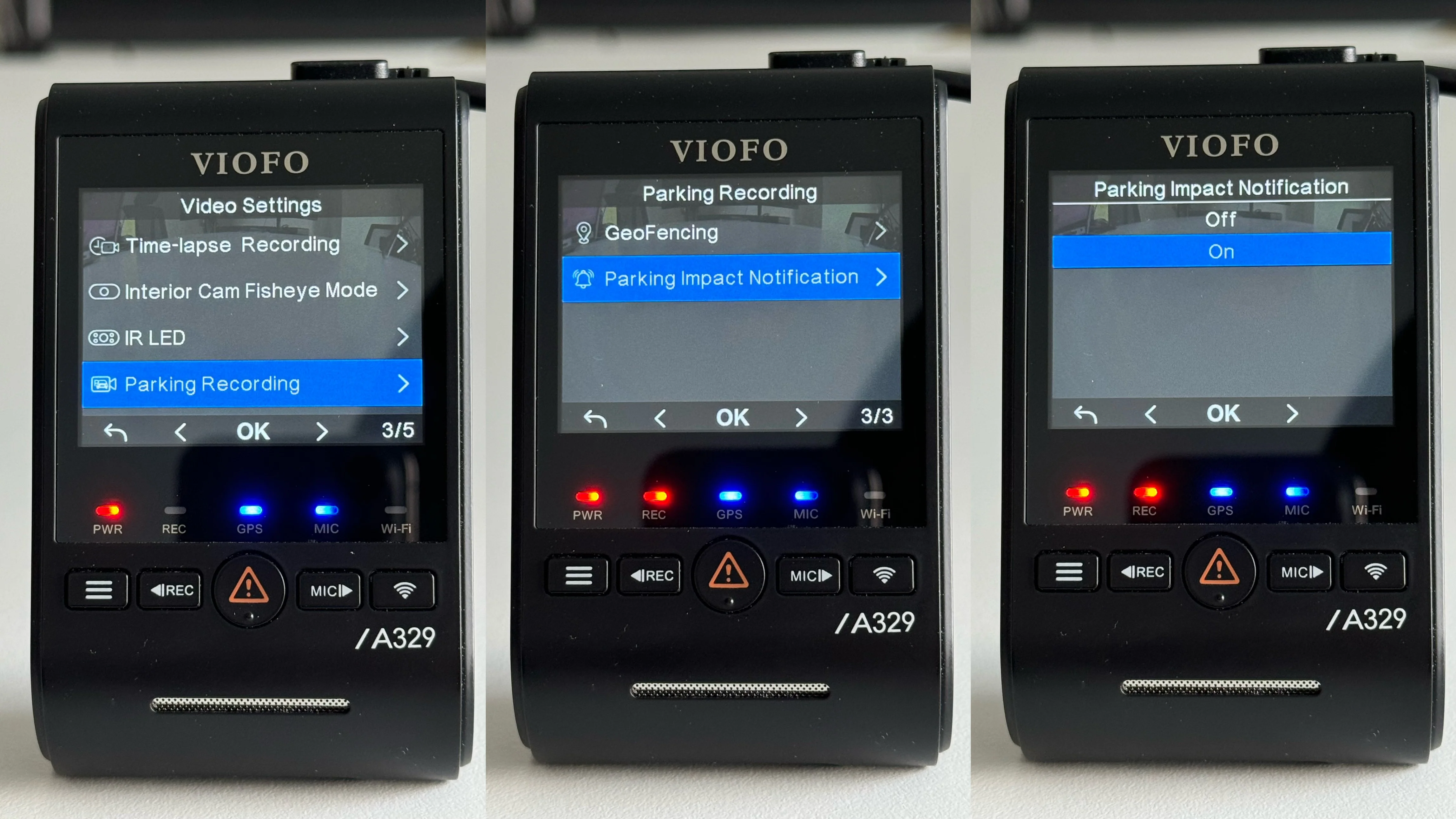
2. Parking Impact Notification Settings Added
The new firmware introduces Parking Impact Notifications that alert users when an impact is detected during parking mode. A visual prompt and a “beep-beep-beep” sound notify the driver after exiting parking mode and resuming normal recording — helping reduce missed events.
This alert excludes events triggered within one minute of switching between parking and driving mode to decrease false positives.
3. Redesigned Menu Button Functionality
V2.0 redefines how the Menu button behaves:
- Long-press (2 seconds) to enter the menu
- Long-press (6 seconds) to power off
- Short press captures a photo (with recording paused first)
This update makes the hardware controls more intuitive and reduces accidental shutdowns.
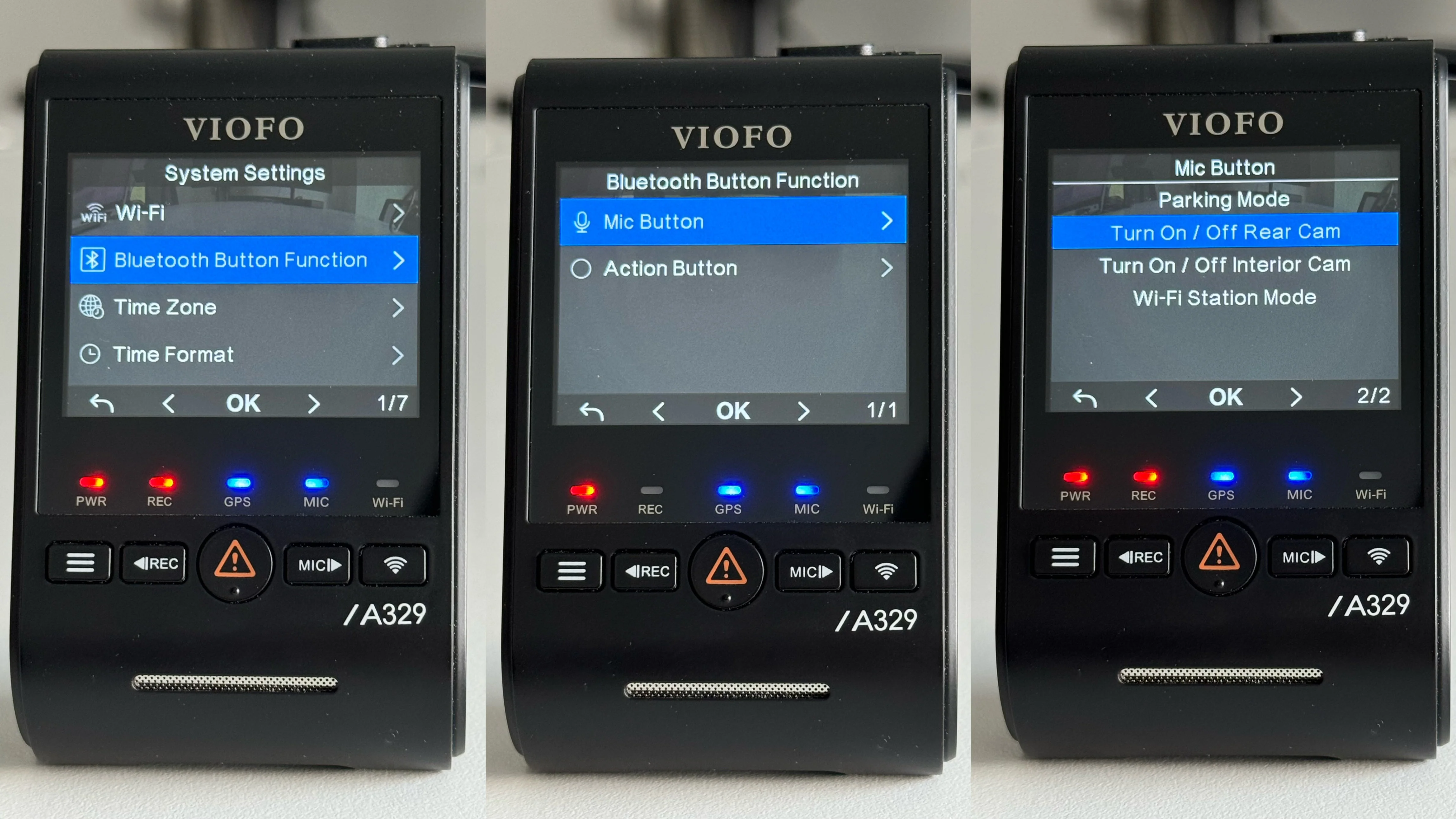
4. Expanded Bluetooth Remote Button Functions
Bluetooth remote control functionality gets a notable boost with new options:
- Turn On/Off Rear Camera
- Turn On/Off Interior Camera
- Toggle Wi-Fi Station Mode directly from the remote
When station mode or Wi-Fi is turned off manually, the setting now persists even after a reboot — giving users tighter control without needing to access menus.
5. Photos Are Protected When Storage Is Full
Previously, when storage became full, photos could be overwritten. With V2.0, photos remain protected even if video files loop and rewrite older footage — ensuring saved snapshots are not lost.
6. Firmware Upgrade While Powered On
Updating firmware is now more convenient: simply insert the memory card containing the new firmware while the dash cam is powered on. The system will reboot and install automatically for the same model.
7. Parking Mode Option Reordering & Additions
Parking mode menus have been reorganized for easier access.
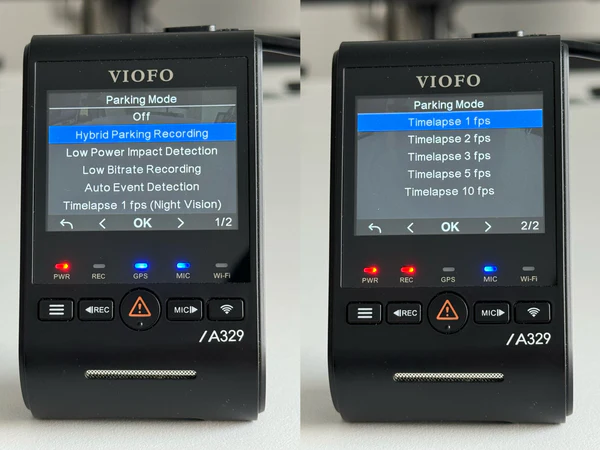
The hybrid parking recording now includes expanded time-lapse settings — including SNV, 1fps, 2fps, 3fps, 5fps, and 10fps for more customizable parking surveillance.
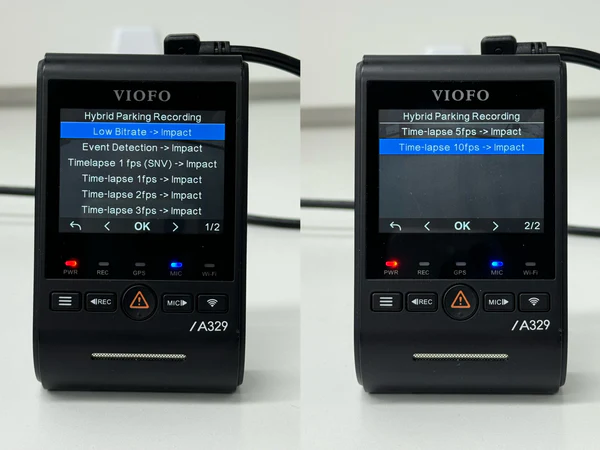
8. Hybrid Parking Recording Storage Update
Hybrid parking mode now allows pre-impact recording to be saved on external SSD when configured to do so. Users can set whether pre-impact videos go to the microSD card or SSD — offering flexibility depending on storage preferences.
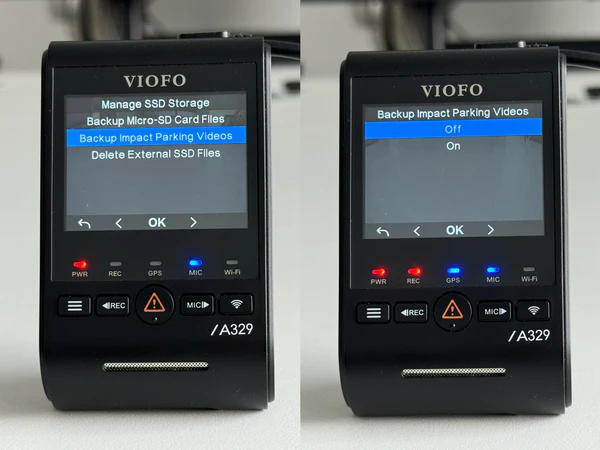
9. Added Backup Impact Parking Videos Setting
A new option allows backup of videos captured by the impact detection feature during low power parking mode:
- Backup On: saves video before entering sleep mode
- Backup Off: skips backup and enters sleep mode faster
The backup speed depends on card/SSD performance but enhances evidence preservation.
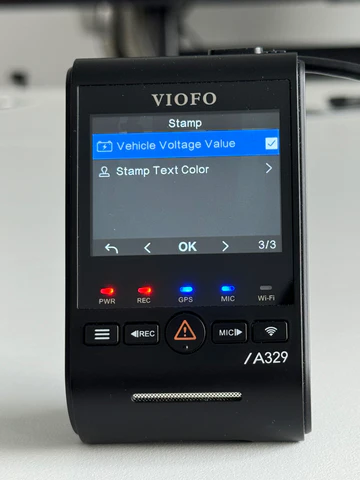
10. Vehicle Voltage Value Stamp
This update includes a unified setting to display vehicle voltage values across all channels — videos and photos. Users can now enable or disable this with a single switch.
11. GeoFencing Settings Added
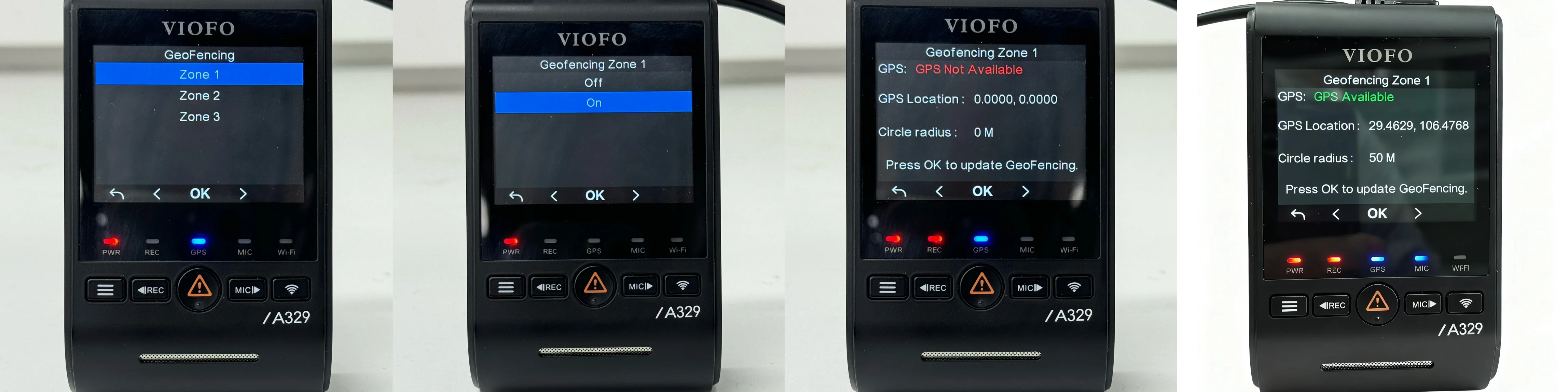
A major new smart feature is GeoFencing for parking behavior. Users can define up to three geographic areas where the dash cam behaves differently:
- Upon entering a defined zone, the dash cam powers off instead of entering parking mode
- If GPS signal is weak, it will revert to traditional parking monitoring
Note: GeoFencing may not work in areas with limited or no GPS signal (like indoor garages).
12. Voltage Display in the Updated VIOFO App
The updated VIOFO app now displays real-time voltage readings from the HK6 hardwire cable. Even when the app isn’t connected, it shows the last recognized voltage value — improving remote battery monitoring.
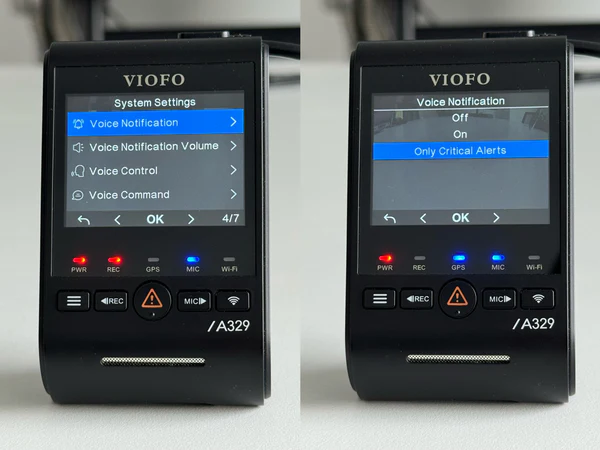
13. Critical Alerts Notification Settings
V2.0 introduces a “Only Critical Alerts” voice notification setting. When enabled, the dash cam will vocally notify only essential issues such as:
- Impact detected during parking
- Memory card errors or formatting notifications
- Insert memory card reminders
This helps reduce unnecessary audio interruptions.
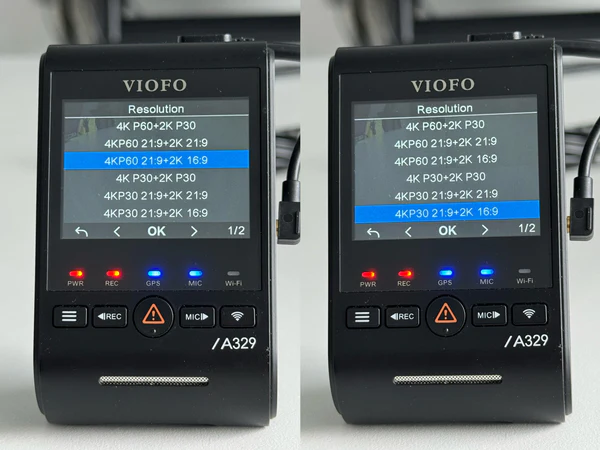
14. New Resolution Options for A329T Telephoto
For users of the A329T telephoto model, V2.0 adds new resolution choices for more flexible video recording setups:
- 3CH: 4K 21:9 + 2K 16:9 + 2K 16:9
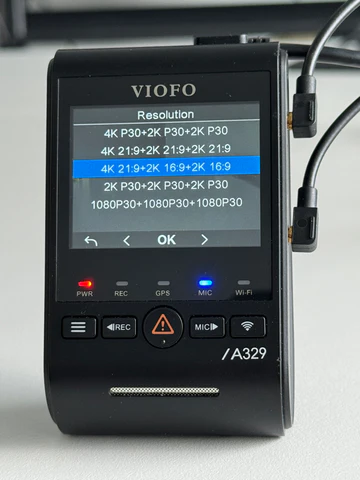
- 2CH Front + Telephoto: 4KP60 21:9 + 2K 16:9, 4KP30 21:9 + 2K 16:9
15. New Export Settings Function
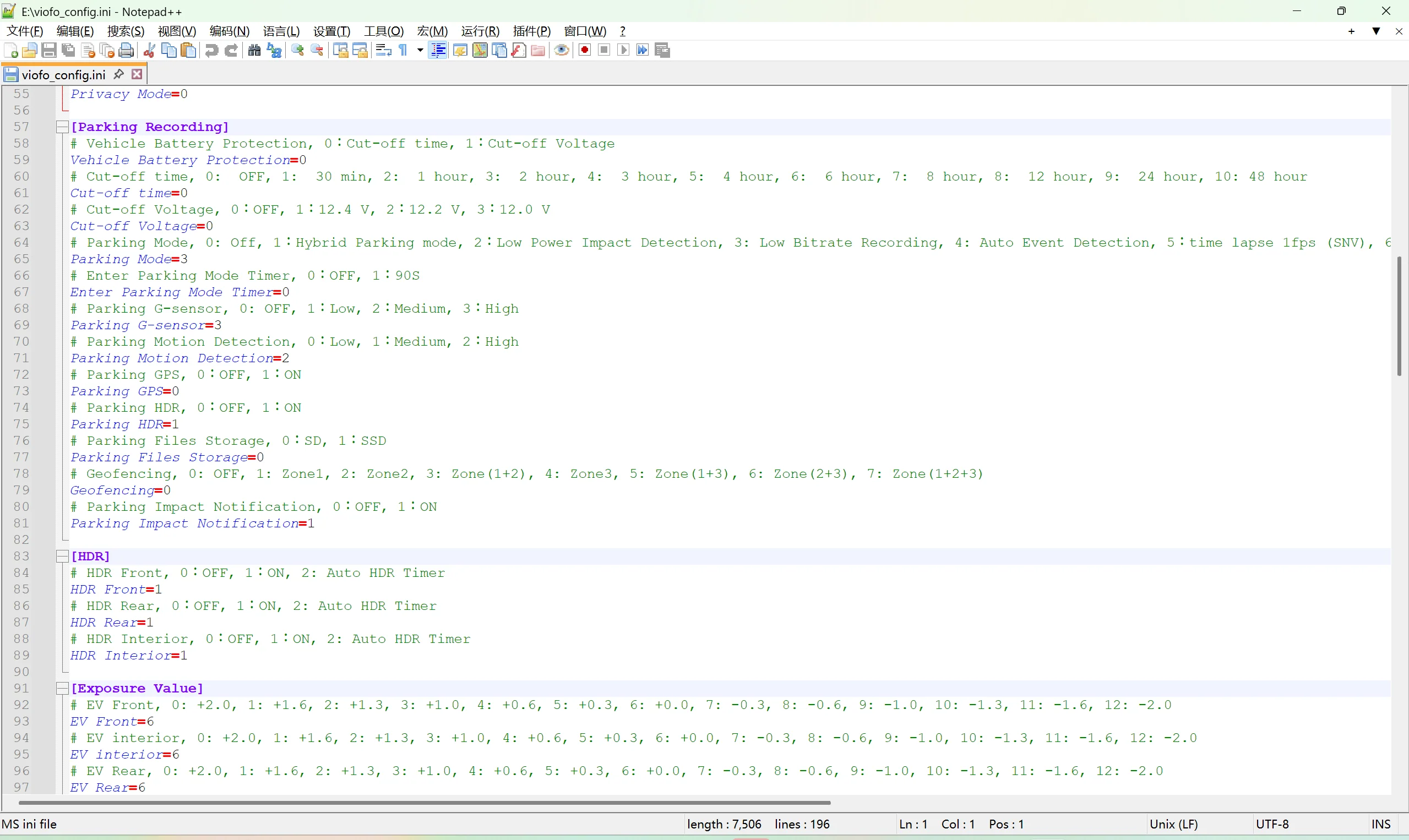
This feature allows users to automatically generate a configuration file when removing the SD card with export settings enabled.
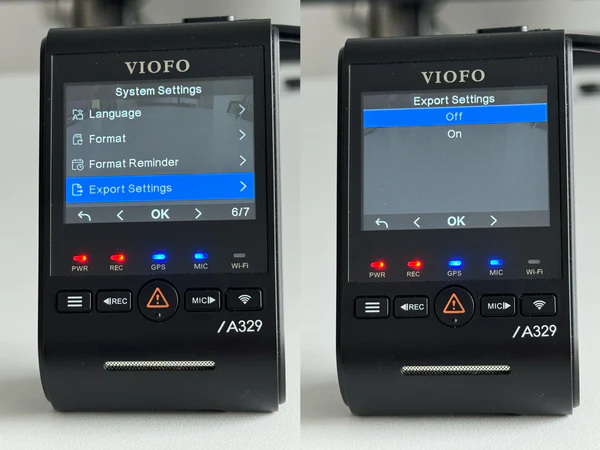
This file can be opened with the VIOFO configuration tool to view current settings — ideal for backup or replication across devices.
How to Update to V2.0 Firmware
The V2.0 firmware is available for different models in the A329S series (A329S, A329T, A329TC, A329WW). Download the correct firmware file for your model and follow the standard update procedure from the APP, or insert the card with the file into the camera and allow the system to install it automatically.
- A329S: https://www.viofotech.com/download/firmware/A329S/V2.0/FWA329S.bin
- A329T: https://www.viofotech.com/download/firmware/A329T/V2.0/FWA329T.bin
- A329TC: https://www.viofotech.com/download/firmware/A329TC/V2.0/FWA329TC.bin
- A329WW: https://www.viofotech.com/download/firmware/A329WW/V2.0/FWA329WW.bin
Conclusion
The VIOFO A329S Series V2.0 firmware update represents a major milestone in dash cam capabilities, bringing smarter parking behavior, powerful control options, smarter notifications, GeoFencing, improved storage handling, and custom configuration exports. This release enhances both daily driving usefulness and advanced monitoring without sacrificing ease of use.
Stay tuned for further refinements and feedback-based improvements as VIOFO continues to expand the dash cam feature set before the official release.
 Products APPS
 Frequently Asked Questions
 Installation & Setup